Appointment Reminder Software: What Actually Cuts No-Shows
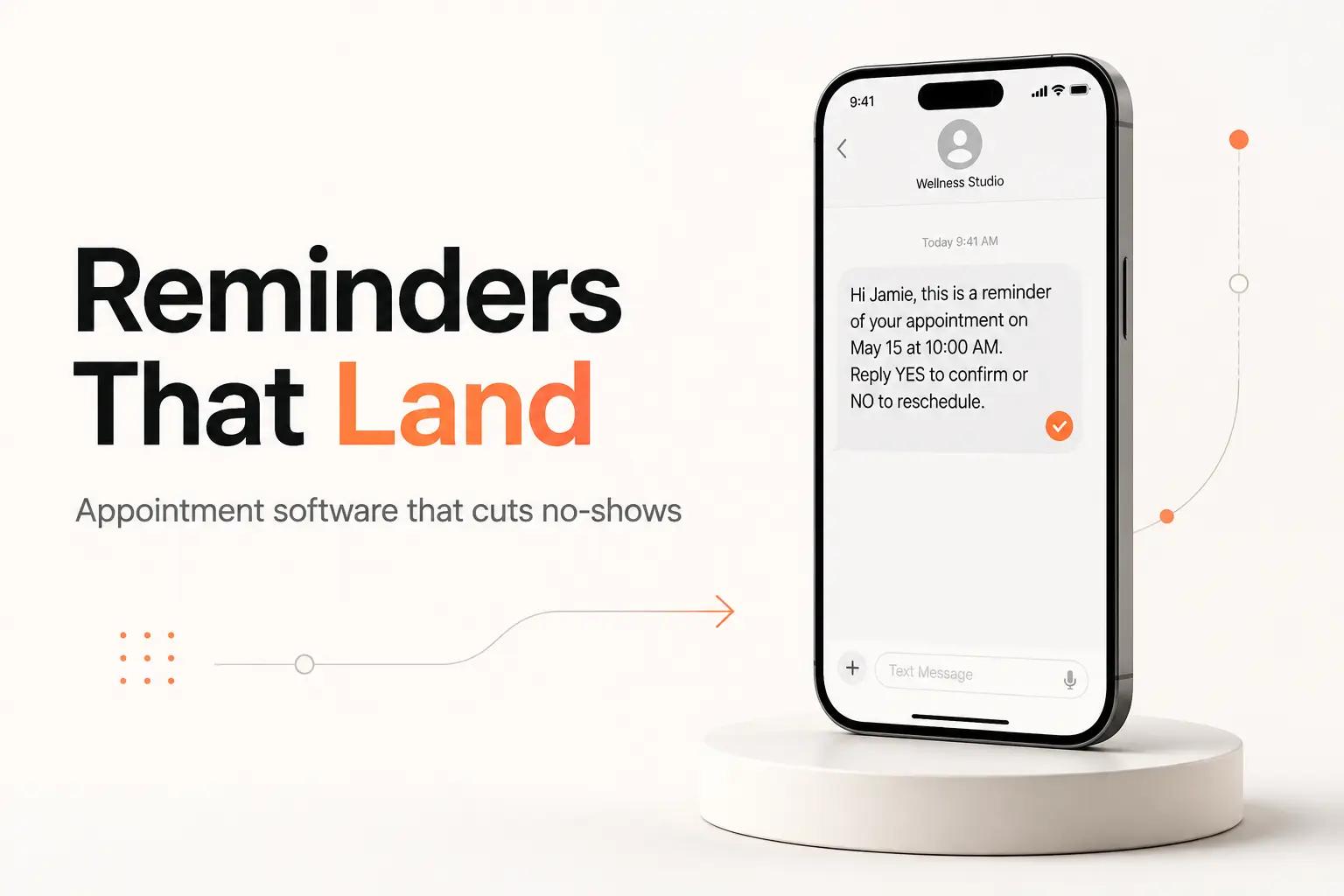
It is 9am at a busy clinic and two slots are already dead. The front desk spent last night texting tomorrow's patients one by one off a printed schedule, and the online booking tool sent its own reminders too, but only for the people who booked online. The phone bookings, the walk-in reschedules, the ones the office manager keyed in by hand got nothing. So the reminders that went out doubled up on some patients and skipped the ones most likely to ghost.
That is the real problem with appointment reminders. Not that the text is hard to write. That the appointments live in more than one place, and the tool sending reminders can usually only see one of them.
This post ranks the software that fixes it, but the ranking only makes sense after one question: where do your booked appointments actually live? Answer that and the right tool falls out almost automatically. Get it wrong and you will pay for reminder software that reminds the wrong list.
Appointment reminder software is really two different products
Search "appointment reminder software" and the roundups hand you a flat list of 15 tools as if they were interchangeable. They are not. They split into two camps that solve different problems.
Reminders built into your scheduler. If clients book through Calendly or Acuity, reminders are already a feature of the product you own. Acuity sends automated SMS reminders on its Standard plan and up, per its pricing page. Calendly sends email and SMS reminders through Workflows on its paid tiers. When the appointment is created inside the booker, the reminder has everything it needs. You do not buy separate software for this. You turn a feature on.
Standalone reminder engines. The second camp exists for the opposite situation: appointments that live somewhere the scheduler can't send from. A dental practice management system. A CRM. A shared Google or Outlook calendar. A spreadsheet the office manager owns. Tools like Apptoto and GReminders read that outside source and send the reminders it can't.
The distinction matters because most no-show pain comes from the second case. The clinic above does not have a reminder problem. It has a fragmentation problem. Appointments enter from three doors, and only one of them talks to the reminder tool. No amount of tuning the message copy fixes that.
So before comparing tools, find your source of truth. The single system that holds every booked appointment, no matter how it got there. That system decides everything downstream.
The features that actually cut no-shows
Skip the 40-row feature chart. For a lean team, six capabilities decide whether reminders move the number.
- Reads your real source of truth. The reminder is only as complete as the calendar it reads. If half your bookings never reach the tool, the other five features don't matter.
- Two-way confirm, cancel, and reschedule. A reminder that a patient can reply "C" to cancel is worth ten that only broadcast. But the reply is worthless unless the cancellation writes back into the calendar so the slot reopens. One-way reminders are a megaphone. Two-way reminders are a workflow.
- Multi-channel with fallback. SMS gets read, email carries detail and attachments, voice reaches the patients who ignore both. The tool should try the channel most likely to land for that contact, then fall back. The same rules that govern any email automation apply here: the message has to be triggered by real data, not sent on a blind schedule.
- Timing and cadence you control. A reminder 24 hours out plus a nudge 2 hours out beats a single blast. Different appointment types need different lead times. A dental cleaning and a surgical consult should not get the same schedule.
- Reply routing that reaches a human. When someone texts back "can I move to Thursday?", that is not a confirmation. It needs to reach the front desk, not die in a log. Whether a person or an automation handles it, the reply has to go somewhere.
- Consent and opt-out handling. Every SMS reminder program in the US carries compliance obligations. The tool has to record consent and honor opt-outs, or the whole channel becomes a liability. More on this below, because it is the part that quietly breaks DIY setups.
Notice what is not on the list: AI-generated message copy, sentiment dashboards, a mobile app for staff. Nice, not load-bearing. The needle moves on reaching every booked appointment through a channel it reads, and closing the loop when someone replies.
The best appointment reminder software for a lean team
Ranked for a 1-50 person operation, whether that is a clinic, a med spa, a law office, a home-services crew, or an agency booking client calls.
1. bottta: the reminder workflow wired to your source of truth
We build the reminder workflow around the system your appointments actually live in, so nothing depends on clients booking through one specific tool. If bookings land in a practice management system, a CRM, a custom scheduler, or a shared calendar, we read from there.
That is the job the off-the-shelf tools punt on. Our Integrations work connects to the system of record through its API or webhooks. Our Workflow Design sets the cadence per appointment type and defines the single source of truth so a phone booking and an online booking get treated the same. Our Custom Builds handle the two-way part: a reply that cancels an appointment writes the cancellation back so the slot reopens and the next reminder never fires, the same CRM data sync discipline that keeps two systems from drifting out of agreement. Our AI Automation parses the messy replies ("running 10 min late, still coming") into a clean action, with a confidence gate so anything ambiguous routes to a person instead of guessing.
We also own the compliance setup, which most teams discover the hard way. A2P 10DLC registration, consent capture, opt-out handling, all wired in from the start rather than bolted on after a carrier blocks your number.
Two ways to work with us. The $4K project is a fixed scope: we design, build, and connect the reminder workflow to your source of truth, integrations included, with 30 days of post-launch support. The $3K/month retainer fits teams that want it built and then watched: flexible hours, up to 3 active workflows, ongoing monitoring so a silent API change or a bounced batch gets caught before it becomes a week of no-shows. There is no free tier and no self-serve button, because the value is in the wiring, not a dashboard.
Best for: any team whose appointments do not all live inside one booking tool, or whose confirmations and cancellations need to sync back into the system that runs the schedule.
2. Your existing scheduler (Calendly, Acuity)
If clients already book through Calendly or Acuity and every appointment enters that way, this is the cheapest correct answer. Do not buy separate reminder software.
Acuity Scheduling runs $16/month on the Starter plan billed annually, with SMS reminders starting on the Standard plan at $27/month annually, per its pricing page. Calendly sends email and SMS reminders through Workflows on its paid plans. Both handle timing, both handle multi-channel, and because the appointment was created inside the tool, the reminder has full context automatically.
The limit is the same as the strength: it only reminds people who booked inside that tool. Phone bookings, walk-ins, and anything keyed in elsewhere are invisible to it. If a chunk of your appointments come in by phone, that gap is worth pairing with an AI receptionist for your small business so the call itself lands in the same source of truth. Best for: teams where online self-booking is the only way appointments get created.
3. Standalone reminder engines (Apptoto, GReminders)
When appointments live in an outside calendar or system, these read it and send. Apptoto starts at $30/month with additional users at $10 each, and messages beyond your plan's included credits go out at $0.12 per message credit if you leave overages on, per Apptoto's pricing page. GReminders lists a free Basic tier, Standard at $8/month, Professional at $39/month, and Business at $99/month for 3 users on its pricing page.
They connect to Google Calendar, Outlook, and a range of practice-management and CRM systems, then send SMS, email, and voice reminders with two-way replies. For a team whose bookings already flow into one of those supported calendars, a standalone engine is a solid buy.
Where they get thin is the write-back and the branching logic. If a reply needs to update a system they don't natively support, or your cadence depends on data that lives in another tool, you are back to configuring around the edges of a product that was not built for your exact stack. Best for: appointments that already sit in a mainstream calendar with a supported connector.
4. Build it yourself on Twilio
Full control, and you own every piece of it. Twilio's SMS pricing for US long codes starts at $0.0083 per message sent or received, per its pricing page. On top of the per-message rate you register an A2P 10DLC brand and campaign before carriers will reliably deliver your texts, which Twilio documents as a required step for 10-digit numbers in its A2P 10DLC guide.
At raw per-message rates this looks cheapest, and at high volume it can be. But you are now building and maintaining the scheduler integration, the reply handling, the opt-out logic, the retry-on-failure, and the monitoring, either from scratch or on top of one of the general workflow automation tools like Zapier, Make, or n8n. That is a real software project, not a subscription. Best for: teams with a developer who wants to own the whole pipeline. For most lean teams, this is where a studio build earns its keep, because it is exactly the work of option 1 without the maintenance falling on you.
At a glance
| Option | What it is | Starting price | Best when | |---|---|---|---| | bottta | Done-for-you reminder workflow wired to your systems | $4K project / $3K/mo retainer | Appointments live across systems, or replies must sync back | | Acuity / Calendly | Reminders built into the booker | Acuity $16/mo annual, SMS from $27/mo | Clients book through that tool only | | Apptoto | Standalone reminder engine | From $30/mo, $0.12/overage credit | Appointments sit in an outside calendar | | GReminders | Standalone reminder engine | Free, then $8 / $39 / $99 mo | Google, Outlook, or CRM-calendar based | | Twilio | Raw SMS API you build on | ~$0.0083/msg + 10DLC fees | You have a developer and want full control |
The part every roundup skips: SMS compliance
You can pick the perfect tool and still have the channel collapse, because text-message reminders in the US are regulated on two separate axes, and both bite.
Carrier registration (A2P 10DLC). To send application-to-person texts from a standard 10-digit number, US carriers require you to register a brand and a campaign describing what you send and how people opted in. Twilio spells this out in its A2P 10DLC documentation. Skip it and your reminders get filtered or blocked, often silently, so you find out from the no-shows, not an error message.
Consent law (TCPA). The FCC treats a text as a "call" under the Telephone Consumer Protection Act, per the FCC's TCPA rules. There is a narrow healthcare exemption that specifically covers appointment and exam reminders, laid out in the FCC's 2020 exemption order, but it is conditioned: the message has to stay purely informational. The moment a reminder also promotes a service or a sale, it leaves that lane and lands under stricter consent rules.
This is the layer that punishes DIY. The off-the-shelf reminder tools handle a good chunk of it for you, opt-out keywords, consent records, registered numbers. Roll your own on Twilio and it is your job. When we build a reminder workflow, compliance is part of the scope, not an afterthought, because a blocked number costs more than the whole project.
How to choose
Three inputs, in order.
Where do your appointments live? If every booking enters through one scheduler, use that scheduler's reminders and stop. If they enter from several doors, a phone, a form, a walk-in, a CRM, you need a tool that reads a unified source of truth, which usually means either a standalone engine on top of a mainstream calendar, or a built workflow when your systems don't line up that cleanly.
Do replies need to change the schedule? One-way reminders are easy and any tool does them. If a "cancel" reply has to reopen the slot and stop the next nudge, you need real two-way write-back. Off-the-shelf tools do this only when they natively support your calendar. Otherwise it is a build.
Who maintains it? A subscription tool is maintained by the vendor. A Twilio pipeline is maintained by you. A studio build under our retainer is maintained by us, with monitoring so a broken sync surfaces before it costs a week of empty slots. If you have no engineer to spare, that last option is usually the honest answer for anything past the simplest setup. The general rule for when to automate and when not to applies: the more often the task runs and the more a miss costs, the more the wiring is worth owning properly.
Most teams land in the middle: appointments scattered across a booker, a CRM, and a spreadsheet, replies that need to sync back, and nobody free to babysit an integration. That middle is exactly where reminder software stops being a subscription and starts being a workflow. It is the work we do most, and it is the fastest no-show fix we ship, because it finally reminds every booked appointment instead of the lucky subset one tool can see.
Every empty slot is time you already paid staff to hold open. A reminder workflow that actually reaches the whole schedule earns back the seats it saves, not the texts it sends. When you are done reminding only the patients one tool can see, bottta will build the workflow.
Frequently asked questions
Does appointment reminder software actually reduce no-shows? Reminders reduce no-shows when they reach every booked appointment through a channel the client reads, and when a reply can confirm or cancel. The failure mode is not weak reminders. It is reminders that only cover the appointments one tool can see, while the rest get nothing. Coverage matters more than copy.
SMS or email reminders, which is better? Use both, per contact. SMS gets opened fast and suits short confirmations. Email carries detail, prep instructions, and attachments. The strongest setups try the channel most likely to land for that person and fall back to the other. Voice reminders add a third layer for the patients who ignore screens.
Do I need separate reminder software if I already use Calendly or Acuity? No, if every appointment is created inside that tool. Acuity and Calendly both send reminders on their paid plans, and the reminder has full context because the booking lives there. You only need something more when appointments also enter from phone calls, walk-ins, or another system the scheduler never sees.
What is A2P 10DLC and do I have to register? It is the US carrier registration for application-to-person texting from a 10-digit number. You register a brand and a campaign describing your messages and opt-in, per Twilio's documentation. Without it, reminder texts get filtered or blocked, usually with no error, so you notice through missed appointments. Managed reminder tools handle much of this. A build-your-own setup does not.
Can reminders confirm or reschedule automatically, not just notify? Yes, but only if the reply writes back into your source of truth. A "confirm" or "cancel" text has to update the calendar so the slot reopens and the next reminder stops. Off-the-shelf tools do this when they natively connect to your calendar. When they don't, or when a reschedule needs to touch another system, it becomes an integration build.
How much does an appointment reminder workflow cost to build? Subscription tools range from free to roughly $100/month for standalone engines, plus per-message overages. A custom workflow wired to your systems is a fixed $4K project with us, or ongoing on the $3K/month retainer with monitoring included. The build is worth it when appointments span systems and replies have to sync back, which is where subscriptions stall.