What Is Robotic Process Automation (RPA)?
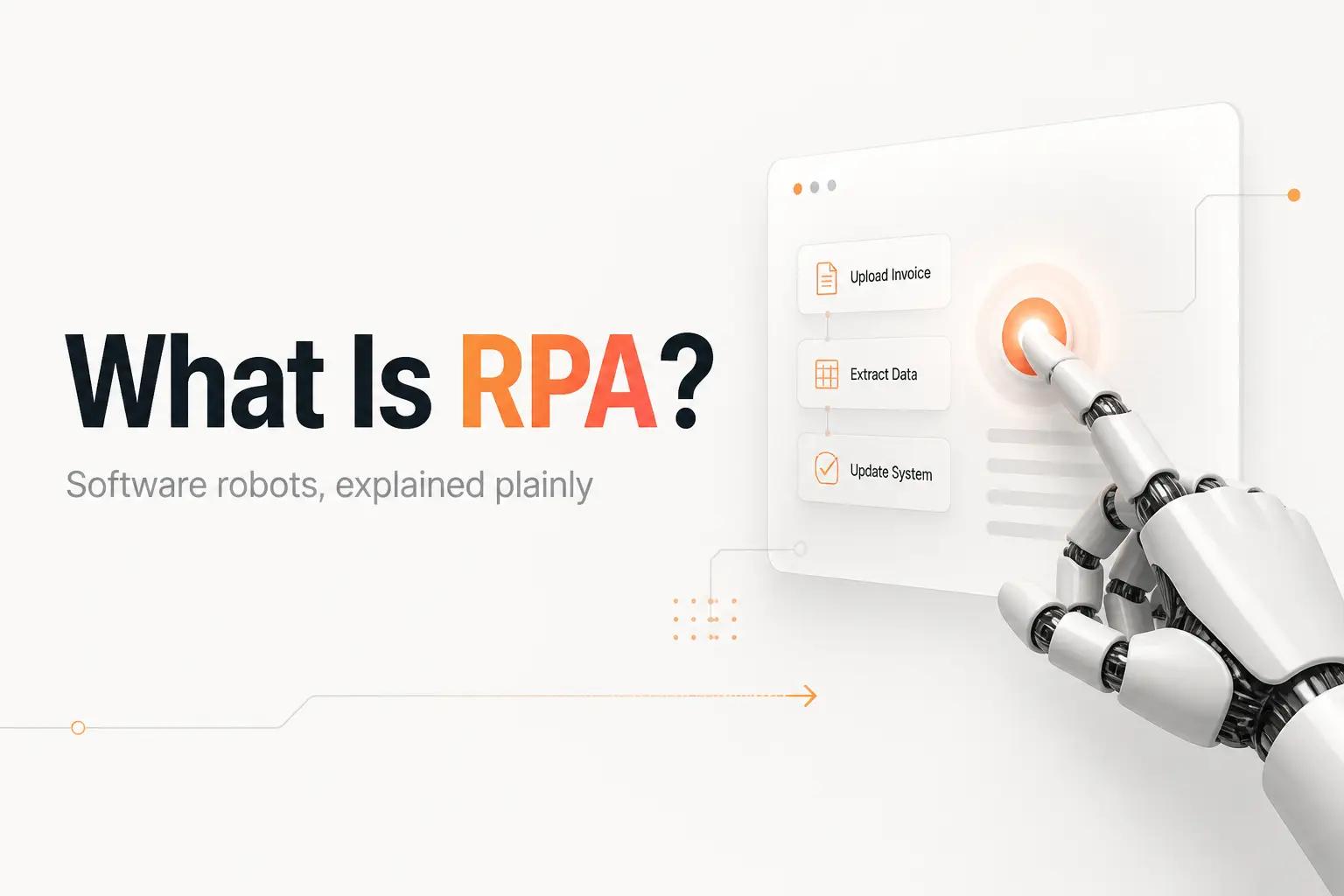
A vendor demo shows a bot logging into your billing portal, copying a column of numbers into a spreadsheet, and doing in ten seconds what someone on your team does by hand every morning. Then a word gets thrown around on the call: RPA. You nod, but you are not entirely sure what you would be buying, or whether it is the right fix for the copy-paste that is actually eating your week.
Robotic process automation, or RPA, is software that automates repetitive computer work by driving your existing applications through their user interface, the way a person would. It clicks buttons, types into fields, and reads values off the screen, without changing the apps underneath. That is the whole idea, and understanding it tells you exactly when RPA is the right tool and when it quietly becomes a liability.
What robotic process automation actually is
The "robot" in RPA is not a physical machine. It is a script that operates your software the same way a human operator does, through the front end. It opens the app, finds the field, enters the value, and moves to the next window. Because it works at the surface, it can automate an old desktop program or a vendor portal that offers no other way in.
That surface-level approach is both the selling point and the catch. UiPath's own documentation draws the line clearly: RPA drives the user interface, while API-based automation moves structured data directly between systems through published interfaces. One imitates a person at a keyboard. The other talks to the software directly.
Under the hood, a bot targets on-screen elements in one of two ways. Selectors identify a button or field by its place in the application's structure, which is the reliable method. Screen scraping reads the text rendered on the screen as a fallback, used when a legacy or remote interface gives the bot no structural handle. The difference matters because a bot leaning on screen scraping is far more likely to grab the wrong value when a layout shifts.
Attended vs unattended bots
RPA comes in two flavors, and the words show up on every pricing page, so they are worth adding to your automation glossary.
- Attended bots run on a person's own machine and are triggered by that person or by something they do. Per UiPath's documentation, an attended robot helps an individual with small, repetitive tasks while they work, like pulling up account details the moment a support ticket opens.
- Unattended bots run with no human present. They are scheduled and controlled centrally, usually on dedicated machines, and handle longer batch jobs in the background, like processing a queue of invoices overnight.
The practical distinction is who is watching. An attended bot fails in front of the person who triggered it, so someone notices. An unattended bot fails at 2am in a process nobody is looking at, which is exactly when a silent break does the most damage. That gap is where most of the maintenance cost of RPA hides.
RPA vs API-based automation, the distinction that decides everything
This is the fork in the road, and getting it wrong is the single most expensive RPA mistake a lean team makes. The question is simple: does the system you want to automate have an API?
If it does, you almost never want RPA for it. API-based automation reads and writes structured data directly, so it survives a redesign, fails loudly when something is off, and scales without a per-screen maintenance tax. This is what tools like Zapier, Make, and n8n do, and it is what a clean HubSpot to Salesforce integration runs on. RPA is the tool you reach for only when a system leaves you no other door.
| RPA (screen-driven) | API-based automation | |
|---|---|---|
| How it connects | Clicks and types through the UI | Reads and writes structured data directly |
| Best for | Legacy apps and portals with no API | Any modern app that exposes an API |
| When the UI changes | Bot can break or grab wrong data | Unaffected |
| How failures show up | Often silent | Usually loud and catchable |
The trap is buying a full RPA platform because one crusty portal has no API, then trying to run your entire automation stack through the screen. You inherit all the brittleness to solve what was only 10% of the problem. For the modern SaaS in your stack, an API integration is the durable default, and RPA is the narrow patch for the one system that refuses to talk.
Where RPA breaks for a lean team
RPA works. The projects around it are what fail, and they fail in predictable ways. Ernst & Young, drawing on RPA delivery across 20 countries, put the share of initial RPA projects that fall short of their goals at 30% to 50%. For a team of 1 to 50 people, three costs do most of the damage.
A bot inherits every change to the screen it depends on. Rename a field, move a button, add a cookie banner, and the automation either stops or, worse, keeps going and enters the wrong data. Nobody scoped the maintenance. Every UI update is a potential rebuild, and on a small team that repair lands on the person least able to spare the afternoon. The automation lives on one laptop. Attended bots often run on someone's desktop, so when that person is out or the machine reboots, the workflow is gone and the numbers just quietly stop.
None of this means RPA is a bad tool. It means the license is the easy half. The design, the error handling, and the person who owns the fix when a screen moves are the half that actually decides whether the automation saves time or costs more than the manual work did.
Do you actually need RPA?
Nobody types "what is RPA" out of pure curiosity. The real question underneath is how to make a repetitive thing stop eating the week, and which processes to automate first. RPA is one answer to that, and often not the best one.
The honest recommendation is to start with the work, not the tool, and the fastest way to do that is to have someone map it end to end. That is what bottta does. We are an automation studio, and we design and build the workflow, then keep it running. Our default is API-first, because automation that reads from an API does not break when a screen moves. Where a system genuinely has no API, we use screen-level automation deliberately and wrap it in monitoring, so a break pages us rather than surfacing three days later at month-end. That work maps to four things: Workflow Design (mapping the process and the clean handoffs), Integrations (the APIs and webhooks between your tools), AI Automation (extraction, routing, and drafting with an LLM), and Custom Builds (the internal tools and dashboards behind it).
There are two ways to work with us. The $4K project is fixed scope and fixed price with integrations included and 30 days of post-launch support, right for a single well-defined workflow like that billing-portal-to-spreadsheet job. The $3K/month retainer gives you flexible hours, up to 3 active workflows at a time, and ongoing monitoring and fixes, right when the work keeps coming and you want someone owning it.
If you would rather buy a bot and run it yourself, that is a real option, just go in clear-eyed. Microsoft Power Automate is the most accessible entry point, at $15 per user per month for its Premium plan, with unattended background automation now sold as Hosted Process at $215 per bot per month. Microsoft's older unattended RPA add-on was $150 per bot per month before it was removed from the price list in 2024. For a ranked look at the tools themselves, our guide to the best RPA software for lean teams covers Power Automate, UiPath, and the enterprise platforms. And before you commit to any of it, run the task through our test for when to automate and when not to. If you would rather have the workflow built and monitored than manage another platform, book a call with bottta and we will tell you honestly whether you need RPA at all.
Frequently asked questions
Is RPA the same as artificial intelligence?
No. Classic RPA follows fixed rules and does not learn. It clicks and types along a defined path, so it does exactly what it was told and nothing more. AI enters the picture when a step needs judgment, like reading a value out of a messy PDF or classifying an email. In practice the strong builds combine the two: an LLM handles the ambiguous read, and rule-based automation moves the structured result the rest of the way.
Is RPA the same as workflow automation?
Not quite. RPA specifically drives an application's user interface, which is why it works on systems with no API. Workflow automation is the broader idea of connecting steps across tools, and most of it runs on APIs and webhooks rather than the screen. API-based workflow automation is more reliable and easier to maintain, so it is the better default whenever the systems expose APIs.
Do I need coding skills to use RPA?
For a single, stable task, low-code tools like Power Automate let you build a basic bot without writing code. The hard part is not the initial build, it is the maintenance when a screen changes and the monitoring so a silent failure does not run for a week. That upkeep is where most teams of 1 to 50 are better off having the workflow designed, built, and watched for them.
When does RPA make sense instead of an API integration?
Only when the system you need to automate has no usable API. A legacy desktop application or an old vendor portal with no integration is genuine RPA territory. For anything modern that exposes an API, build on the API. It survives redesigns, fails loudly, and does not carry the per-screen maintenance cost that makes screen-driven bots so expensive to keep alive.
Can RPA run without anyone watching it?
Yes, that is exactly what an unattended bot does. It runs on a schedule with no human present, which is a genuine advantage for overnight batch work and also the riskiest configuration, because a failure happens where no one sees it. If you run unattended automation, the monitoring and alerting are not optional. They are the difference between catching a break in minutes and discovering it after bad data has flowed downstream for days.











