How to Read an Automation Case Study (and Build Your Own)
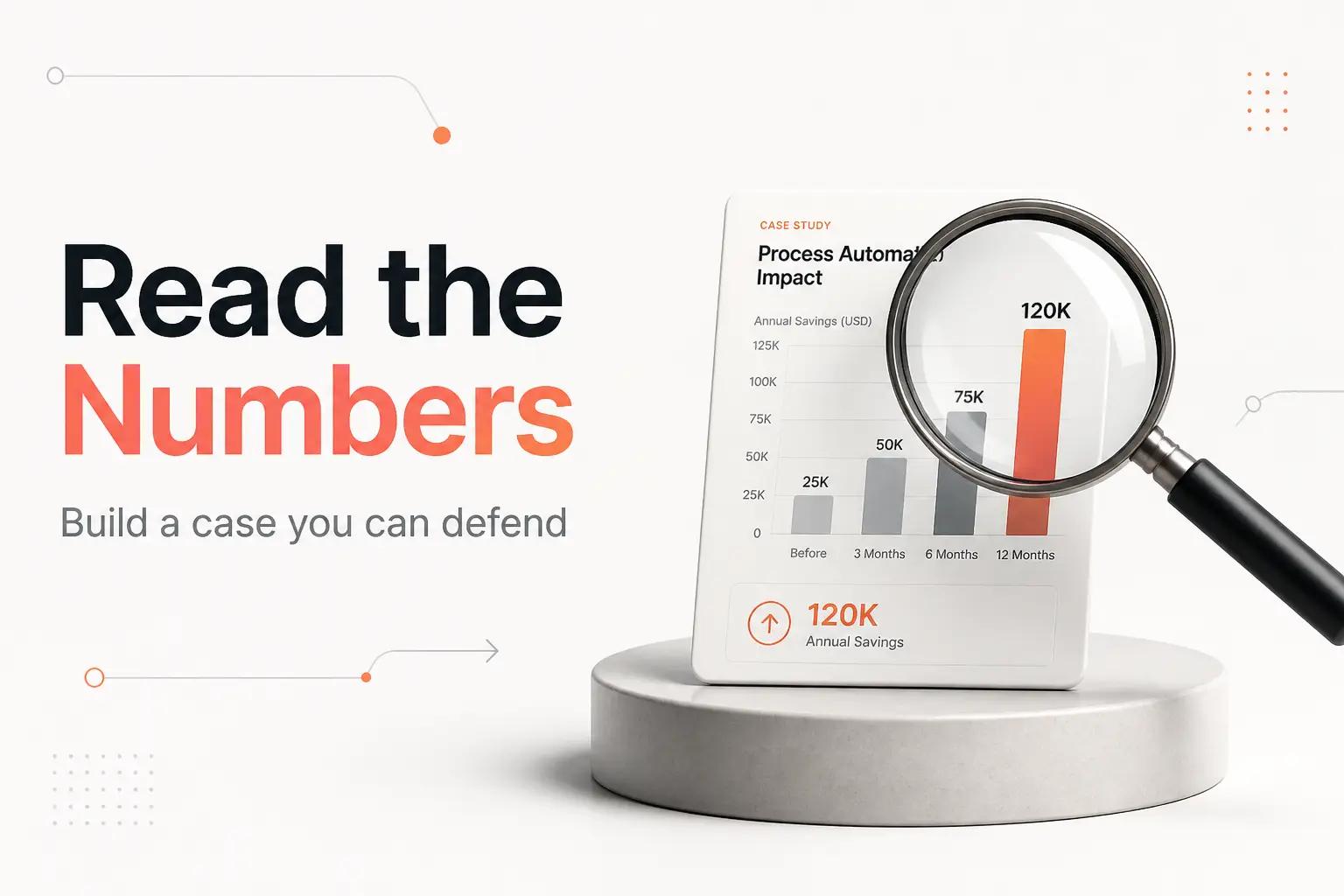
You are on a vendor's site, reading a case study. "Acme cut manual work by 85% and saved 40 hours a week." There is a smiling headshot, a logo you half-recognize, and a call-to-book-a-demo button. The number is doing a lot of work, and none of it tells you whether the same thing would happen at your company.
That is the problem with the genre. A case study is a marketing asset written after the fact by the party who wants you to buy. It is not a lie, exactly. It is the single best outcome, measured the most flattering way, with the baseline and the running costs left off the page. If you are weighing whether to automate something and searching for proof it pays off, the case studies you find are the least reliable input you will use.
So learn to read them the way you would read a job applicant's resume: useful for the shape of the work, worthless as a promise. Then, more importantly, build the one case study that actually governs your decision, which is the business case for your own workflow, from numbers you can stand behind.
Why the case study you are reading probably won't repeat
Published automation stories are survivors. Nobody writes up the deployment that broke in month two, the integration that got abandoned, or the pilot that never shipped. You are reading a filtered set, and the filter selects for the wins.
The scale of that filtering is not a secret. S&P Global Market Intelligence, in its 2025 research on AI adoption, found that companies scrapped 46% of their AI proof-of-concepts on average before they reached production, and that the share of firms abandoning most of their AI initiatives jumped to 42% from 17% a year earlier. Automation broadly follows the same shape. The projects that fail quietly outnumber the ones that get a landing page.
So when a case study shows you a clean 85% reduction, remember what you are not seeing:
- The companies that tried the same thing and got a mess they had to unwind.
- The months of tuning before the number stabilized.
- Whatever broke after the case study was published.
None of this means automation does not pay. It means the sample you are reading from is rigged toward good news, and you should discount accordingly. A workflow that is right for a 200-person SaaS with an in-house engineer may be a maintenance trap for your five-person team.
What the number is actually telling you (and what it hides)
Take any case-study headline and interrogate it. Most fall apart under four questions.
What was the baseline? "Saved 40 hours a week" against what? If the task genuinely consumed 40 hours across the team, that is a real result. If the "before" state was a made-up worst case, the delta is fiction. A credible case study states the baseline and how it was measured. A weak one states only the improvement.
Who measured it, and when? A number captured in week one, during the honeymoon before the edge cases showed up, is not the same as a number that held for a year. "Cut processing time 90%" measured the week of launch tells you almost nothing about the steady state.
Is the cost side on the page? Almost never. The case study shows the benefit and omits the platform fees, the build time, and the ongoing maintenance. A gain of 40 hours that costs 30 hours a month to keep running is a very different story from the one being sold.
Is it a percentage hiding a small number? "Reduced errors by 75%" sounds huge. If the task had four errors a month, you saved three errors. Percentages without absolute numbers are the oldest trick in the deck.
Round, decoration-friendly figures are the tell. Real operational results are lumpy and specific. When you see "cut costs by exactly 50%" or "saved exactly 40 hours," treat it as a marketing rounding, not a measurement. Our own take on which tasks even clear this bar lives in when to automate a task and when not to.
The cost side nobody puts in the case study
To build an honest case, you have to price the half that case studies leave out. Automation has three cost layers, and only the first is ever quoted.
Platform fees, billed by the unit that punishes you. This is the part people underestimate, because the billing unit is not the workflow, it is the operation. The three most common no-code platforms each meter differently, and the difference decides your real bill:
| Platform | What it charges for | Starting cloud plan | Why it matters |
|---|---|---|---|
| Zapier | Tasks (one per successful action step) | Professional around $19.99/mo billed annually, 750 tasks | A 5-step Zap burns 5 tasks per run. High-volume workflows get expensive fast. |
| Make | Operations (one per module run) | Core around $9/mo billed annually | Cheaper per unit than tasks, but a busy scenario still consumes operations quickly. |
| n8n | Executions (one per full workflow run, cloud) | Cloud Starter around $24/mo, or self-host free | One execution covers all steps, so multi-step workflows are far cheaper at volume. Self-hosting removes the per-run fee entirely. |
The lesson is not "n8n is cheapest." It is that a workflow firing 10,000 times a month costs wildly different amounts depending on the billing model, and no case study tells you which one they were on. We break the options down further in choosing a no-code automation platform and the workflow automation tools worth your time, including the head-to-head on n8n versus Zapier.
Build time. Someone maps the process, wires the integrations, handles the inputs that do not fit the happy path, and tests it. On a real workflow this is days, not the afternoon the case study implies.
Maintenance and monitoring. APIs change. A vendor renames a CSV column. A model you route through gets deprecated. Silent failure is the default state of an unmonitored automation, and it is expensive precisely because you find out from an angry customer, not an alert. This is the cost that turns a celebrated launch into a liability six months later, and it is the reason so many RPA and automation programs never reach the ROI their pilots promised.
Build your own case study: the business case
Now flip the case study around and write the one that governs your decision. You do not need a consultant's spreadsheet. You need four honest inputs.
1. Measure your real baseline
For one week, log the task you are considering. Not an estimate, the actual time. "Re-keying leads from the form into the CRM: 22 minutes, three times a day." Do this for every instance. At the end of the week you have a defensible number instead of a guess. This single step is what separates your business case from the vendor's marketing.
2. Price the build and the running cost
Add the three cost layers above. If you are building it in-house, the build time is real payroll hours, not free. If you are on Zapier or Make, estimate the monthly volume and check it against the current pricing, because per-task and per-operation billing scales with your success. Include a monthly maintenance allowance. A workflow with zero maintenance budget is a workflow you have decided to let rot.
3. Compute payback, not a percentage
Ignore ROI percentages. They are the language of case studies for a reason, because they sound impressive and hide the inputs. Use payback period instead. If a workflow costs 20 hours to build plus a small monthly fee, and it saves your logged 5 hours a week, it pays for itself in about a month and keeps paying after that. If it saves 30 minutes a week, the payback stretches past the point where maintenance eats the gain. Payback in weeks or months is a green light. Payback measured in years usually means leave it manual.
4. Stress-test the inputs
The automations that fail are rarely the ones that are too slow. They are the ones fed by messy human input or a source that changes shape without warning. Before you commit, ask what happens when a customer puts a comma in their company name or writes an address on three lines. If the honest answer is "it silently drops the record," your business case needs a monitoring line item, or a human check, or both.
Where working with bottta changes the math
Most teams get stuck at step two. They can measure the baseline, but pricing the build and the maintenance honestly, and knowing which billing model will bite them at volume, is the part that needs someone who has shipped this before. That is the work we do.
At bottta we do not lead with a hero number. When a team brings us a task, we score it, cost it end to end, and tell you plainly whether the payback justifies the build. Sometimes the answer is that a careful human with a checklist beats a fragile script, and we say so. When it does pay, our Workflow Design and Integrations work covers the whole thing: mapping the process, wiring the tools, handling the inputs that do not fit, and adding the monitoring that catches a silent failure before your customer does.
Two ways to work together. The $4K project is fixed scope and fixed price for a full workflow, integrations included, with 30 days of post-launch support. The $3K/month retainer keeps up to three workflows running and monitored at a time, with async access and a weekly call, for teams with a steady backlog. Neither comes with a case-study number attached, because the number that matters is the one your own baseline produces. If you want that math done straight, start a project or book a call and we will price it against your real workflow, not a flattering average. For a broader read on choosing a partner over a slide deck, see our take on AI consulting services.
Frequently asked questions
Are automation case studies useless?
Not useless, just biased. Read them for the shape of a workflow and the tools involved, which is genuinely useful. Ignore the headline ROI number unless the study states its baseline, its measurement window, and its costs. Almost none do.
What ROI should I expect from automating a workflow?
There is no honest universal answer, and any vendor who gives you one is selling. The right expectation comes from your own inputs: your logged baseline hours, your real build and maintenance cost, and your task volume. Compute payback period from those. A good candidate pays back in weeks to a few months.
Why do so many automation projects fail to deliver?
Usually because the workflow was fed by unstable inputs, or because nobody budgeted for maintenance and monitoring, so a silent failure went undetected for weeks. S&P Global Market Intelligence found companies scrapped 46% of AI proof-of-concepts before production in 2025. The design and the upkeep, not the demo, decide whether it lasts.
How do I calculate the real cost of an automation?
Add three layers. First, platform fees billed by task, operation, or execution depending on the tool. Second, the build time in real payroll hours. Third, a recurring maintenance and monitoring allowance. The platform fee alone can swing several times over depending on which billing model you are on at your volume.
Should I automate this myself or hire someone?
If it is a simple two-step handoff and you have the time, a no-code tool may be enough. If it touches money, a system of record, or messy inputs, and it needs to keep working unattended, the durable part is the design and the monitoring, which is where a studio build earns its cost, a trade-off we lay out in in-house versus outsourced automation. Weigh it against your logged baseline, not a vendor's average.
A case study is a promise someone else kept, once, under conditions you cannot see. Your business case is the promise you can actually keep, built from your own numbers. Measure the baseline, price all three cost layers, compute the payback, and stress-test the inputs. If the math holds, build it properly with monitoring. If it does not, leave the task alone and spend the budget where the payback is real.











