AI for Accountants: How to Put It to Work Without the Risk
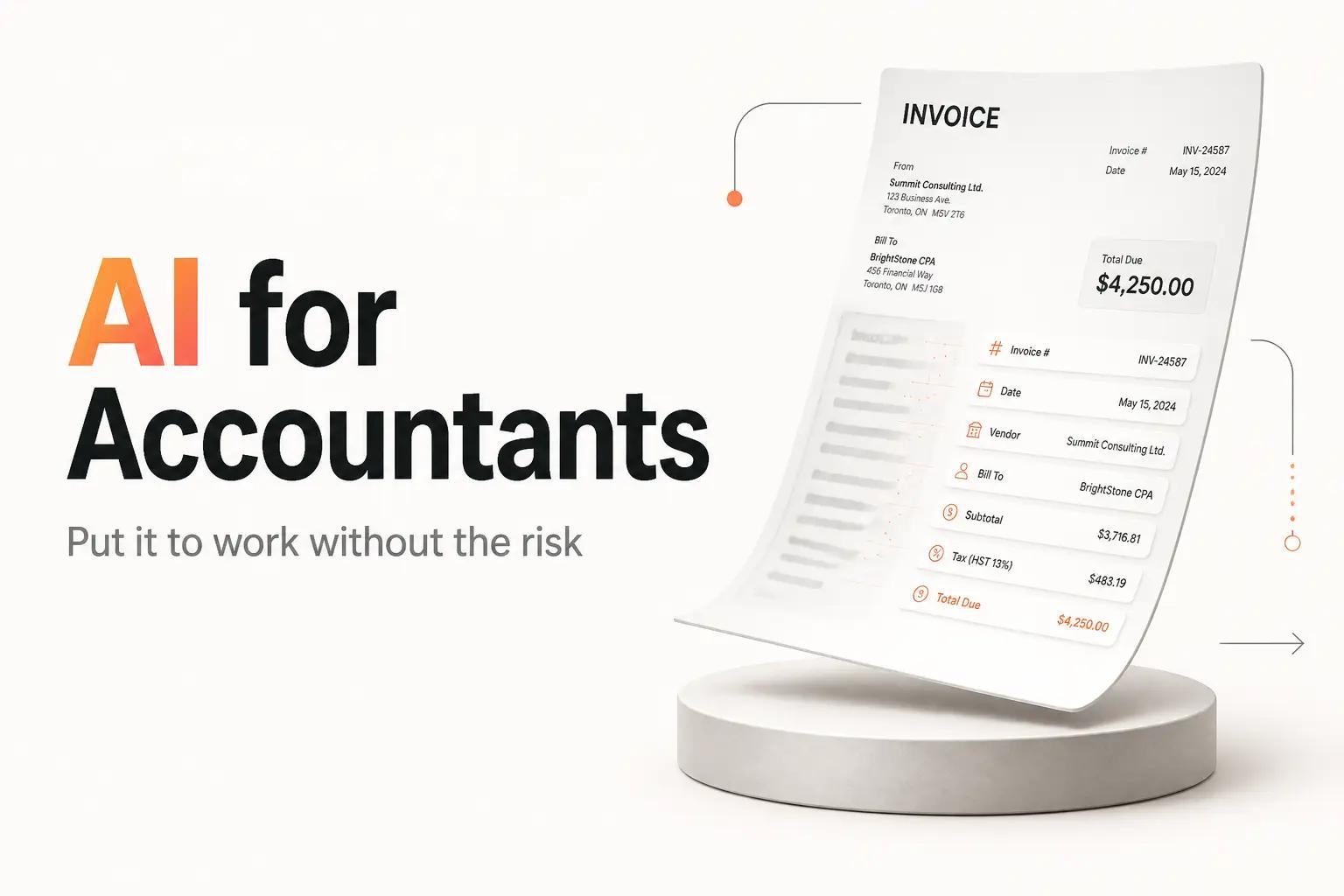
It is the third business day of the month and someone on your team has a stack of PDF invoices open in one window, the general ledger in another, and a coffee going cold. Each invoice gets read, coded to a GL account, matched against a purchase order, and keyed in by hand. Then comes bank rec, where a few hundred transactions get eyeballed against the ledger line by line. None of it is hard. All of it is slow, and it happens again in 30 days.
AI can take the biggest bite out of that work, and the case for AI in accounting is real, but "use AI" is not a plan. Paste a client's tax return into ChatGPT and you may have just committed a disclosure that carries a criminal penalty. Trust an extraction tool's output without a review gate and one mis-coded invoice quietly lands in the wrong account for a quarter. The rest of this piece is the version that keeps you out of both traps: what to automate first, the confidentiality line you never cross, and how the wiring actually gets built.
Start with the task that bleeds the most hours
Do not start with the flashiest use case. Start with the one that eats the most repetitive hours at the lowest risk if a human still checks the output. For most firms and finance teams, that is one of three:
- AP invoice capture and coding. Reading invoice header and line-item data, suggesting the GL account and cost center, and routing for approval. This is the single most documented AI win in accounting. Field-level extraction on a clean, structured invoice is reliable enough to lean on, and the time saved is real: a job that took minutes of reading and keying per invoice collapses to a quick review of what the model already pulled.
- Bank reconciliation and transaction matching. Matching bank lines to ledger entries and flagging the exceptions. It is one of the most mature AI use cases in the category. On clean feeds the tools clear the routine matches on their own and leave a human only the handful that do not line up.
- Receipt and expense categorization. Classifying expense and receipt data into the right accounts. This one holds up when the chart of accounts is tight and predictable, and it degrades fast once the chart sprawls into hundreds of ambiguous codes the model has to guess between.
Notice the pattern. AI is strong where the input is structured and the answer is checkable, and weaker where your chart of accounts is sprawling and ambiguous. Pick the task where volume is high, the rules are consistent, and a person can verify the result in seconds. AP coding usually wins that test.
Month-end close is the tempting target because it hurts the most, but it is the wrong first move. Close is judgment-heavy, and the honest use of AI there is drafting variance commentary and surfacing anomalies, not posting entries on its own. Where AI-equipped teams do close faster, the gain comes from cutting review time, not from letting the model close the books.
Clear the confidentiality rule before you paste anything
This is the step nobody skips twice. In accounting, the data you would feed an AI tool is often the most protected data you hold, and the rules are not optional.
If you prepare US tax returns, IRC section 7216 makes it a criminal offense to disclose or use a client's return information for anything beyond preparing the return without the client's written consent. Transmitting that information to a third-party AI vendor is frequently a "disclosure" under the regulation unless a specific exception applies. The penalty is up to a $1,000 fine and up to a year in prison per violation, with a parallel civil penalty of $250 per disclosure under section 6713. That is not a hypothetical. It is the reason you cannot casually paste a 1040 into a public chatbot.
The professional guidance points the same direction. The AICPA's responsible-AI material says AI is not prohibited, but it requires human oversight, professional judgment, due diligence, confidentiality safeguards, and accountability. The IRS guidance is blunter still: only share data with an AI tool authorized to receive it, treat AI output as a draft that a professional must verify, and never enter sensitive client data into an unauthorized tool.
What that means in practice, before you build anything:
- Use enterprise tools with a data-processing agreement, not a personal chatbot seat. A business plan where your data is not used for training is the floor, not the ceiling.
- Get written client consent in the form section 7216 requires when client tax information will reach a third-party AI vendor. Disclosure that you use AI and consent to it are two different things, and some cases need both.
- Keep the client-sensitive layer in tools you control. Extraction and drafting can happen inside a vetted system. Nothing confidential should touch a tool you have not vetted.
Get this wrong and no amount of time saved is worth it. Get it right once, as a firm-wide policy, and every workflow you build afterward inherits it.
Pick the layer of AI that fits the job
There are three layers you can reach for, and most firms need a mix. The mistake is assuming the AI baked into your ledger is the whole answer.
The AI already in your accounting software
Both major suites now ship AI features, and for a lot of teams this is the right starting point because your data never leaves the platform.
| Platform | Plans (USD/month) | Built-in AI |
|---|---|---|
| QuickBooks Online | Simple Start $38, Essentials $75, Plus $115, Advanced $275 | Intuit Intelligence: categorization, automated bookkeeping, insights, higher tiers unlock more |
| Xero | Early $25, Growing $55, Established $90 | JAX assistant plus document capture, positioned as included on paid plans |
Use these first for smart categorization and document capture inside your existing books. Where they fall short is anything that has to reach across tools, like pulling invoices out of a shared inbox before they ever hit the ledger, or pushing an approved bill into a payment run and back into Slack for sign-off.
Point tools for a specific accounting job
When the built-in features run out, a focused tool often covers one job well. A few worth knowing, with the honest note that pricing varies by volume:
- Ramp for spend, cards, and AP. The core plan is genuinely free, with invoice extraction and approval workflows included. Ramp Plus is $15 per user per month plus a platform fee.
- Klippa for high-volume OCR and invoice processing, with public pricing around $105 per month for invoice processing.
- Vic.ai for AP automation and invoice coding at scale, priced by quote rather than a public list.
- Digits and Puzzle as AI-native ledgers, with Digits Core around $100 per month and Puzzle offering a free starter tier.
These are real options and worth a look. The catch is the same one every point tool has. Each solves its slice, and none of them is your workflow. You still own the seams between them.
A wired workflow that runs on its own
The third layer is where the hours actually come back. It is not a tool you log into. It is the connective tissue that reads the invoice from the inbox, runs it through an extraction model, checks the result against a confidence threshold, writes the clean data into QuickBooks or Xero, routes the exceptions to a human, and posts a note where your team already works.
That is exactly what an automation studio like bottta builds. We are not selling you another login. We design the process and build the glue so the AI features you are already paying for stop being tabs a person operates and start being a system that runs in the background. This is the layer most firms cannot staff for, because it sits between the accounting software, the AI model, and the rest of your stack, and it needs someone who owns all three. We cover the broader version of this argument in the best AI tools for small business, where the recurring lesson is that buying the tool is not the same as automating the work.
Build extraction with a human-in-the-loop gate
Once you know the task and the layer, the build itself follows a shape. Here is the AP-coding version, which generalizes to most document workflows.
- Define the trigger and the systems it touches. An invoice arrives in a monitored inbox or a shared drive. The workflow needs to read it, code it, and land it in the ledger, then tell a human when it is unsure. Map every system in that path before writing a line of logic.
- Extract the fields, do not free-form the answer. Pull vendor, invoice number, date, line items, amounts, and tax, into a structured shape. Structured extraction against named fields is where the reliability comes from. Open-ended "summarize this invoice" prompts are where it falls apart.
- Set a confidence threshold and route on it. This is the part that keeps you out of trouble. High-confidence, clean invoices flow straight through. Anything below the line, a new vendor, an odd amount, a low match score, goes to a person to approve. An extraction model that is right almost every time is still a liability on the exceptions it gets wrong, but only if nobody catches them.
- Write to the ledger through the API, then confirm. Push the coded entry into QuickBooks or Xero and verify it landed. A workflow that thinks it wrote a record but silently failed is worse than the manual task it replaced.
The confidence gate is the difference between an accounting automation you can trust and one that quietly corrupts your books. It is also a design decision, not a checkbox you toggle on in any tool. Deciding what "low confidence" means for your chart of accounts, and where the human review sits, is the work. This is the AI Automation and Integrations part of what we do: LLM routing and extraction on one side, the API glue into your ledger and your inbox on the other.
Add monitoring so a silent failure never hits the books
The workflow that runs today is not the workflow that runs in six months. Your vendor list grows, an invoice format changes, an API token expires, and a rule that worked at 50 invoices a month behaves differently at 800. Without monitoring, the first sign of a broken automation is a client asking why a bill never got paid.
Every accounting workflow needs three things watching it: an alert when the volume of exceptions spikes, an alert when a write to the ledger fails, and a periodic sample check where a human eyeballs a handful of auto-coded entries against the source. This is unglamorous and it is the difference between an automation that saves the month-end fire drill and one that starts a new one. The decision of when a task is even worth automating turns partly on this: if the process changes constantly, the monitoring cost can outweigh the manual hours, and you should leave it manual.
Common mistakes that cost accounting teams
A few failure patterns show up again and again when firms put AI to work without a plan.
- Pasting client data into a personal chatbot. The fastest way to breach section 7216 or your engagement terms. Route confidential data only through vetted, authorized tools with the right consent in place.
- Trusting extraction with no review gate. Even a strong model mis-codes some invoices. Without a confidence threshold and human review on the exceptions, those errors compound in the ledger.
- Automating a messy chart of accounts. Categorization accuracy craters once the chart sprawls into hundreds of similar codes. Clean the chart of accounts first, or the AI just makes wrong entries faster.
- Buying six tools and wiring none of them. A Ramp seat, a Klippa plan, and a ChatGPT subscription that nobody connected is three logins your team still operates by hand. The value is in the workflow between them.
- No owner for the automation. A brittle setup that one person built and nobody maintains rots. When it breaks at month-end, the whole team is back to copy-paste.
When to DIY and when to bring in bottta
Here is the honest split. If you have one high-volume, low-variation task, a clean chart of accounts, and someone on the team willing to own it, you can get real mileage from the built-in AI in QuickBooks or Xero plus a point tool like Ramp. Start there. A no-code platform like Zapier or Make can stitch two of those tools together for a simple, stable handoff, and for a two-step flow that is the right call.
You bring in a studio when the workflow crosses the line those tools cannot: real confidence-based routing, extraction that has to be right because it touches the ledger, a build that has to respect section 7216, and monitoring that catches a silent failure before a client does. That is a design and integration problem, and it is what we do at bottta. Working with us takes one of two shapes:
- The $4K project is fixed scope and fixed price for one full workflow, integrations included, with 30 days of post-launch support. The right fit when you have a specific fire, like AP invoices that never land in the ledger cleanly, and you want it built once and handed over.
- The $3K/month retainer keeps up to three active workflows built, monitored, and fixed as your tools and volume change, with async access and a weekly call. The right fit when manual accounting work is a steady backlog and you have no engineer to own the automation.
The alternative to both is hiring an in-house automation person, which rarely pencils out for a firm below a certain size, or building it yourself and accepting that you now maintain it. We will tell you on the call which of those is actually right for you, rather than sell you a build you do not need. That same build-versus-buy logic runs through everything an automation studio takes on.
Frequently asked questions
Is it safe for an accountant to use ChatGPT with client data?
Not with a personal seat and not without consent. Feeding client tax return information to a third-party AI tool is often a disclosure under IRC section 7216, which requires written client consent and carries criminal and civil penalties for violations. Use enterprise tools with a data-processing agreement, get the required consent, and keep confidential data inside systems you have vetted. General, non-client tasks like drafting a policy or summarizing public guidance are a different and lower-risk matter, which we cover in using ChatGPT for business.
What accounting task should a firm automate with AI first?
AP invoice capture and coding, in most cases. It is high volume, the input is structured, the output is checkable in seconds, and it has the strongest documented accuracy and time savings of any accounting AI use case. Bank reconciliation is a close second. Save month-end close for later, because it is judgment-heavy and AI is best there as a drafting and anomaly-spotting aid, not an autonomous poster.
How accurate is AI at coding invoices and categorizing expenses?
Field-level invoice extraction on clean, structured documents is reliable enough to build on. Expense categorization holds up for a tight chart of accounts but degrades fast once the chart sprawls into hundreds of similar codes the model has to guess between. That gap is exactly why a confidence threshold and human review on the exceptions are non-negotiable. The model handles the volume, a person handles the cases it is unsure about.
What is the best AI tool for accountants?
There is no single best tool, there is a best tool per job. For AP capture and coding, Ramp covers spend and bills with a free core plan. For high-volume OCR, Klippa. For AP at scale, Vic.ai. Your ledger's built-in AI, Intuit Intelligence in QuickBooks Online or JAX in Xero, handles categorization and document capture without your data leaving the platform. The tool that decides the outcome is the one wiring the rest together, because a stack of unconnected tools is still a manual workflow.
Do I need custom software, or is the AI in QuickBooks or Xero enough?
For categorization and document capture inside your ledger, the built-in AI in QuickBooks Online or Xero is often enough, and it keeps data on-platform. You need more when the workflow has to reach across tools, apply confidence-based routing, or write to the ledger through an API with monitoring around it. That connective layer is what an automation studio builds, and it is usually the difference between AI you operate by hand and AI that runs on its own.
The tool is not the workflow
The AI that helps accountants is not exotic. Extraction, matching, categorization, and drafting are all mature enough to lean on, and much of it is already sitting in the software you pay for. What separates a firm that saves the month-end fire drill from one that just added more subscriptions is the wiring: the right first task, the confidentiality rule cleared up front, a confidence gate on every output, and monitoring so nothing breaks in silence.
That wiring is the work we do. Point us at the part of your close or AP process that eats the most hours, and we will call it straight: a built-in feature you are underusing, a quick integration, or a full build, and what it would take to make it run without anyone babysitting it. Start there with bottta.











