Invoice Automation: How to Build It Without Half-Fixing It
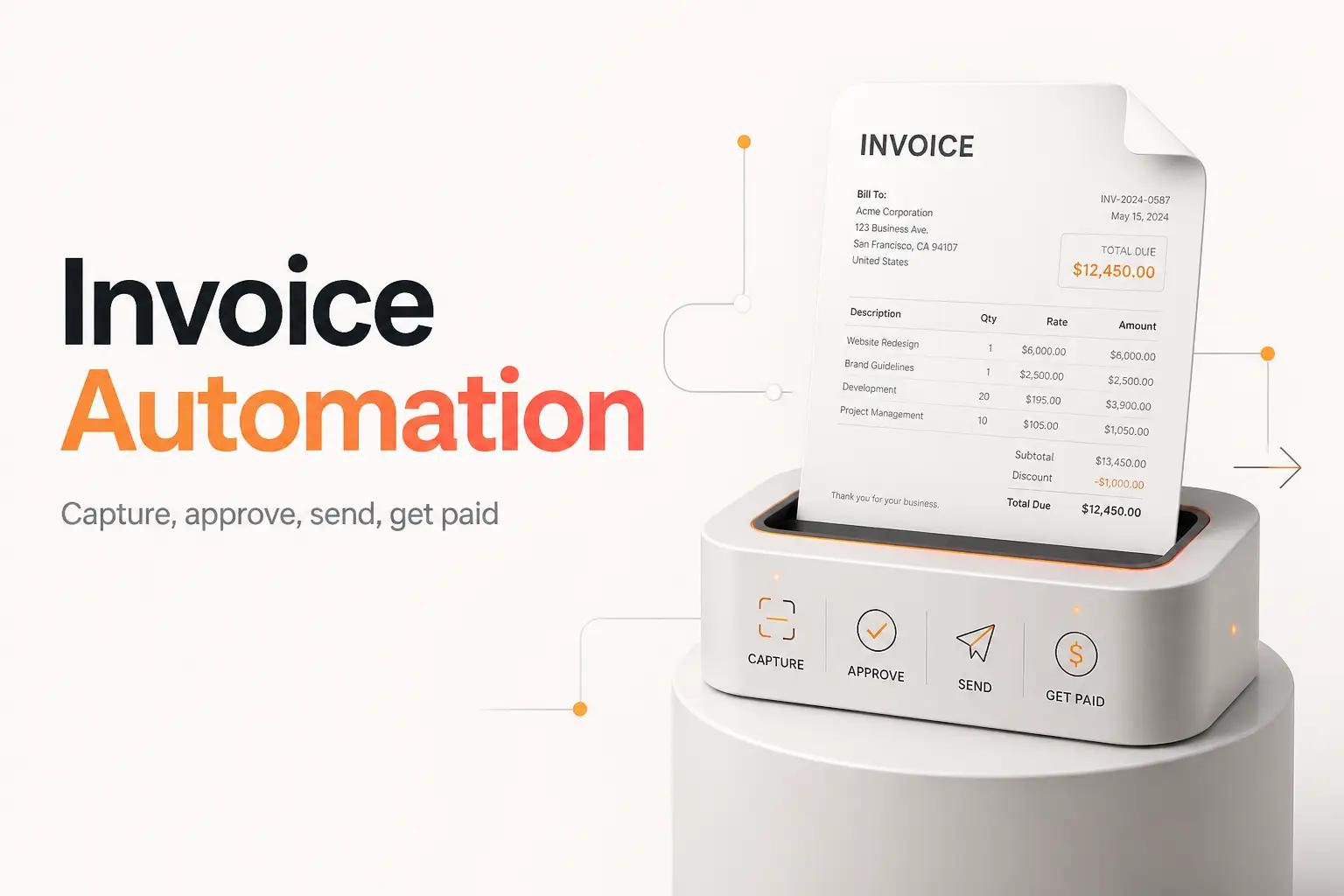
Two invoices tell the story of a growing team's billing problem. The first one you sent three weeks ago, and it is still sitting unpaid in a client's inbox. You do not know that yet, because nobody has checked. The second just landed in your shared accounts inbox as a PDF, and it will get downloaded, read, coded to an account, and keyed into your accounting tool by hand, sometime before it goes late.
Both are invoice automation problems, and they pull in opposite directions. One is money you owe. The other is money you are owed. A lot of "how to automate invoices" advice blurs the two together, which is why teams wire up half a solution and wonder why the busywork never went away.
Sort out which of those two is actually costing you money right now, because the tool that fixes one does almost nothing for the other. Everything below assumes you have picked the side that is bleeding, and it stays honest about the parts the off-the-shelf tools quietly leave to you.
Two kinds of invoice automation, and why you pick one first
Invoice automation splits cleanly in two, and the split decides almost everything about your build.
Accounts payable, the invoices you receive. A vendor sends a bill. Someone reads it, matches it to what was ordered, codes it to the right account, routes it for approval, and pays it. This is expensive in a way that is easy to underrate. The Ardent Partners 2025 AP Metrics that Matter report puts the average all-in cost to process a single invoice at $9.40 and the average processing time at 9.2 days. Best-in-class teams, the ones that automate, run it at $2.78 and 3.1 days.
Accounts receivable, the invoices you send. A deal closes or a milestone hits, and now you generate the invoice, send it, and chase it until the money lands. The pain here is not data entry. It is follow-up that never happens because everyone is busy, and cash that shows up 30 days later than it should.
Do not build both at once. Pick the side that is hurting now. If bills are piling up in an inbox and something is always slipping to late, start with AP. If you do the work but the money is slow and you find out about unpaid invoices by accident, start with AR. Each is a real project, and a team that tries to solve both in one sprint usually ships neither.
Map the invoice's path before automating a single step
The most common way an invoice automation dies is that someone picks a tool before they understand the workflow. Map it first, on paper, following one real invoice end to end.
For an incoming bill, write down the actual path:
- The trigger. Where does the invoice arrive? A shared inbox, a vendor portal, a PDF someone uploads, an EDI feed.
- The systems it touches. Your accounting tool, the CRM or PO system that says what was ordered, the bank or payment rail, the Slack channel where approvals really happen.
- The handoffs. Who has to look at it, in what order, and what they are actually checking.
- The edge cases that break things. A vendor name with a comma in it that wrecks the CSV export. A bill with 40 line items. A duplicate that arrives twice. A currency that is not your default.
That last bullet is where DIY automations quietly fail. The happy path is easy. An invoice for one line item from a known vendor at a round number automates in an afternoon. The workflow only earns its keep when it also handles the messy minority without a human noticing, and you cannot design for the mess you have not written down.
Capture the data without re-keying it
For AP, the first real step is pulling the numbers off the invoice so nobody types them. This is where OCR and AI extraction come in, and it is worth being precise about what they can and cannot do.
Optical character recognition reads text off the document. On its own, across the wild variety of invoice layouts real vendors send, plain OCR is not reliable enough to trust unattended. The modern approach pairs it with an AI model that understands invoice structure, so it can find the invoice number, the vendor, the total, the tax, and each line item even when the layout is one it has never seen. Ramp advertises 99% accuracy for its automated invoice extraction, and other capture tools make similar claims. Treat those numbers as best-case marketing, not a guarantee for your specific vendors.
The design decision that matters more than the accuracy number is the confidence gate. Good extraction returns a confidence score per field. You wire the workflow so anything above a threshold flows straight through, and anything below it drops into a queue for a human to confirm in seconds. That is what lets you automate most of the volume without ever posting a wrong number to the ledger. If your accounting side also involves GL coding and month-end, our guide to AI for accountants covers the confidentiality rules and the review gates in more depth.
Route approvals and payment so nothing stalls
Extraction gets the data in. The slow part of AP is usually what happens next: the invoice sits in a queue waiting for someone to notice it needs approval.
A working AP automation does three things here:
- Matches the invoice to what was ordered. Two-way match compares the bill to the purchase order. Three-way match adds proof the goods or service actually arrived. This is what stops you paying for something you never got.
- Routes for approval automatically. The invoice goes to the right approver based on amount, vendor, or department, with a reminder if it sits too long, so approval is a push instead of someone remembering to go look.
- Executes the payment. Once approved, it pays by ACH, card, check, or wire and marks the bill paid in your books, so the record and the money never drift apart.
Tools like BILL and Ramp handle this workflow for standard cases out of the box, and the same is true of the broader workflow automation tools a team reaches for. Where they get thin is the routing logic that matches how your team actually approves things, and the join between your PO or project data and the invoice when those live in a tool the AP product does not natively read. That glue is usually where a growing team gets stuck.
Automate the invoices you send, and the follow-up
Now the other direction. AR automation is a different build, and for most growing teams it is the one that moves cash.
The trigger is an event in a system you already run: a deal marked closed-won in the CRM, a subscription renewal, a project milestone in your PM tool, a shipped order. From there a working AR automation generates the invoice from that data, sends it, and then does the part humans forget, the follow-up. It sends a reminder before the due date, another when it is late, and it escalates to a person only when a real conversation is needed.
If you already take payments through Stripe, Stripe Invoicing is a reasonable base layer. It charges 0.4% per paid invoice on the Starter plan and 0.5% on Plus, with no monthly fee, and it handles the send-and-collect loop. Getting those charges to land cleanly in your ledger is a separate job, the kind a Shopify and QuickBooks integration handles. What Stripe Invoicing does not do on its own is decide when to fire an invoice off your CRM data, split a lump-sum payout back across the right invoices, or reconcile what landed in the bank against what you billed. That reconciliation is its own workflow, and if a single Stripe deposit covers 40 orders, someone still has to pull it apart. We cover that specific problem in the guide to account reconciliation software.
Build in the monitoring that catches a silent failure
Here is the mistake that turns a good automation into a liability: shipping it without a way to know when it breaks. An invoice workflow that silently stops is worse than the manual process, because at least a person notices when the manual process falls behind.
Three failure modes to design against:
- The brittle integration. A vendor changes an invoice format, an API deprecates a field, an auth token expires. The workflow that worked for a year stops, and nothing tells you.
- The exceptions black hole. Low-confidence extractions and unmatched payments pile up in a queue nobody owns, so the automation quietly handles most of the volume while the rest rots.
- The orphaned build. One person wired it up in their own account with an undocumented script, then left. Now nobody can fix it.
The fix is boring and non-negotiable. Every invoice automation needs an owner, an exceptions queue that a real person clears on a schedule, and an alert when a run fails or the exception count spikes. Skip the monitoring and you have not automated the work, you have hidden it. For the broader build-or-skip decision, our post on when to automate a task and when not to lays out the test.
What the tools cost, and where they stop
Here is the current published pricing for the tools most growing teams look at first, so you can size the tooling line before the build.
| Tool | Side | Published price |
|---|---|---|
| BILL (Bill.com) | AP: capture, approve, pay | Essentials $49, Team $65, Corporate $89 per user/month (pricing) |
| Ramp | AP, cards, expenses | Free $0/user, Plus $15/user/month (pricing) |
| Stripe Invoicing | AR: send and collect | 0.4% (Starter) or 0.5% (Plus) per paid invoice (pricing) |
| Stampli | AP with an AI assistant | No public pricing, custom quote |
The prices are the easy part to compare, and also the part that misleads you. Every one of these tools is capable, and each assumes something you may not have: clean, connected data flowing in, a standard approval structure, and a workflow that matches the vendor's idea of how AP or AR should run. The moment your process has a wrinkle the tool does not model, a PO system it will not read, a lump-sum reconciliation it will not split, a routing rule it cannot express, you are back to a person doing it by hand. The subscription keeps charging either way.
Build it yourself or bring in bottta
If your invoice workflow is genuinely standard and lives inside one tool's world, buy the tool and move on. A single closed loop, a common approval chain, one accounting system, that is a DIY win, and you should not pay anyone to build it.
Most growing teams are not that clean, and that is exactly the gap bottta is built for. We are an automation studio. We design and build the invoice workflow around your actual systems, not the vendor's happy path. That is three pieces of what we do working together: Workflow Design to map the real path including the messy edge cases, Integrations to wire the PO system, CRM, accounting tool, and payment rail so they stop needing a human in the middle, and AI Automation for the extraction and the confidence gates that make touchless processing safe. We build the exceptions queue and the monitoring in from the start, because a workflow you cannot trust is not automation.
Two ways to work with us. The $4K project is a fixed scope and fixed price for one workflow, integrations included, with 30 days of post-launch support, and it fits a team that knows exactly which invoice process to fix. The $3K/month retainer covers up to three active workflows with ongoing monitoring and fixes, which is the better call if invoices are one of several things eating your week and you want a team watching the automations as your volume grows. No free tier, no self-serve button, no demo you have to sit through. If you want to see what your invoice workflow would cost to build and run, start a project or book a call.
Frequently asked questions
What is invoice automation?
Invoice automation uses software to handle invoices without manual data entry or manual follow-up. On the accounts payable side, it captures a bill's data, matches it to a purchase order, routes it for approval, and pays it. On the accounts receivable side, it generates invoices from an event like a closed deal, sends them, and chases payment automatically.
How much does invoice automation cost?
The tooling can be cheap. Ramp offers AP features on a free tier, Stripe Invoicing charges 0.4% to 0.5% per paid invoice with no monthly fee, and BILL starts at $49 per user per month. The real cost is the build: connecting the tools to your actual systems and handling the edge cases the off-the-shelf product does not. A fixed-scope build with bottta is a $4K project.
Does invoice automation actually save money?
The gap is well documented. The Ardent Partners 2025 report puts the average cost to process one invoice at $9.40 against $2.78 for best-in-class automated teams, and cycle time at 9.2 days against 3.1. The savings are real, but they come from a workflow that handles exceptions and stays monitored, not from a tool you switch on and forget.
How accurate is automated invoice data capture?
Vendors advertise high numbers. Ramp cites 99% accuracy for its extraction. Treat those as best-case for clean, common invoice layouts. The way to make it safe regardless of the headline number is a confidence gate: fields the model is sure of flow through, and anything uncertain drops to a human to confirm, so a wrong figure never posts unchecked.
Should I automate paying invoices or sending them first?
Pick the one bleeding you now. If bills pile up and payments slip late, start with accounts payable. If you do the work but cash is slow and unpaid invoices surprise you, start with accounts receivable. Trying to build both at once is the fastest way to finish neither.











