Business Process Automation Examples That Pay for Themselves
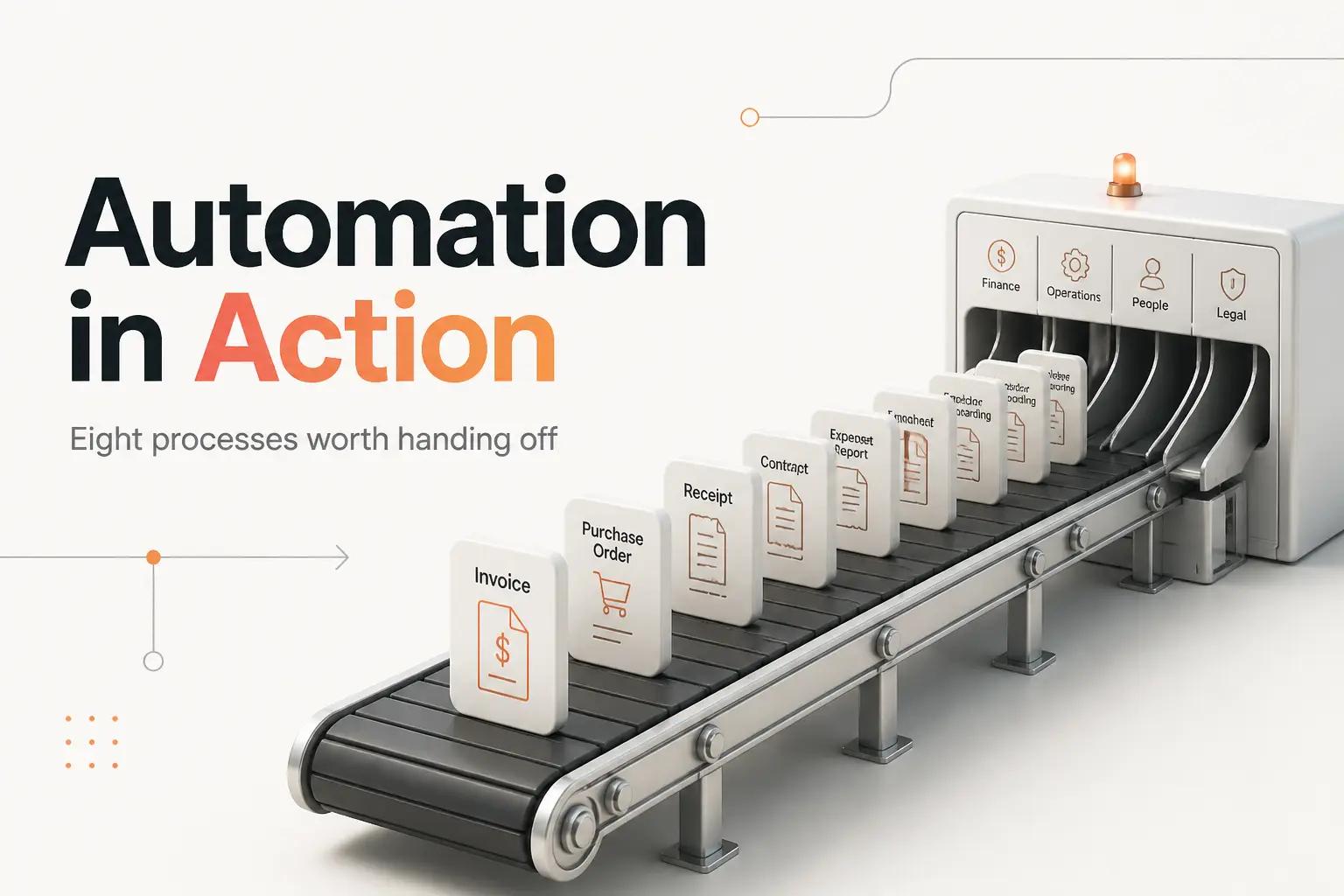
Look at any 20-person company and you can find the same handful of jobs eating hours every week. Someone re-keys invoices into the accounting system. Someone copies a closed deal from the CRM into Stripe, then pings finance in Slack. Someone spends every other Friday stitching a report together from four exports. None of it is hard. All of it is manual, repetitive, and quietly expensive.
Business process automation is the practice of handing those repeatable, rule-based jobs to software so a person only touches the exceptions. The abstract definition helps nobody. What helps is seeing the specific workflows other lean teams have handed off, and knowing which ones return the effort fastest.
Below are eight examples worth automating, ranked roughly by how quickly they tend to pay back for a team of 1 to 50 people. For each one you get the actual steps, the tools in play, and the edge case that usually breaks a naive version.
What makes a process a good automation candidate
A process is worth automating when it is repetitive, follows rules you can write down, and moves data between systems. Invoice entry qualifies. A judgment-heavy hiring decision does not. Most of the value in a growing business sits in the boring middle: the handoffs, the data entry, the status chasing.
The upside is not theoretical. McKinsey Global Institute's A Future That Works found that currently demonstrated technology could automate activities absorbing roughly half of the hours people are paid for, and that about 60% of occupations have at least 30% of their tasks made up of automatable activities. McKinsey's later work on the economic potential of generative AI put the theoretically automatable share of work hours higher still once you add today's language models to the mix. The point for an operator is narrower: you do not need to automate half your job to win, you need to automate the five workflows that bleed the most time.
If you want a test for which of your own tasks clear the bar, we wrote one in when to automate a task, and when not to. The examples here all pass it.
1. Accounts payable and invoice processing
This is the one most finance teams should start with. A bill arrives as a PDF in an inbox. Today a person opens it, reads the vendor, amount, and due date, keys it into the accounting system, matches it against a purchase order, routes it for approval, and schedules payment. Multiply by a few hundred invoices a month and you have a part-time job nobody wanted.
The automated version:
- A workflow watches the AP inbox and captures each incoming invoice.
- An extraction step reads the vendor, line items, amount, and dates off the PDF.
- The data gets matched against the open purchase order (the classic three-way match against goods received).
- Clean invoices route straight to approval. Anything that fails to match gets flagged to a human.
- Approved bills get scheduled for payment and written back to the ledger.
The edge case that breaks the naive build is the exception path. Invoices that do not match a PO, duplicate submissions, and vendors who change their layout every quarter all need a defined fallback, not a silent failure. We go deep on the AP-versus-AR split and how to avoid half-fixing it in invoice automation.
2. Lead-to-CRM handoff
A form gets submitted on your site. In the manual world, that lead sits in an inbox until someone copies the name, email, and company into the CRM, assigns an owner, and maybe drops a note in Slack so sales knows to follow up. The gap between submission and follow-up is where deals cool off.
Automated, the handoff runs in seconds. The form submission fires a webhook, the record is created or updated in the CRM with the source tagged, an owner is assigned by round-robin or territory, and the rep gets a Slack ping with the lead's details and a link straight to the record. No re-keying, no lead sitting cold for a day.
The trap here is duplicate and dirty records. Two forms from the same person should update one contact, not spawn two. A real build dedupes on email, normalizes company names, and decides which system wins when two tools disagree. That last problem is its own discipline once you have more than one system of record, which is exactly what the HubSpot Salesforce integration guide gets into.
3. Order-to-cash and quote-to-invoice
When a deal closes, a chain of steps has to fire: generate the invoice, collect payment, provision the customer, and update revenue records. Done by hand, each step is a place for a handoff to fall through, and a missed step means a customer who paid but never got access, or a deal marked won that finance never billed.
A worked example of the automation:
- A deal flips to Closed Won in the CRM.
- The workflow creates the invoice or subscription in Stripe with the right line items.
- The payment link posts to the customer and to your billing channel in Slack.
- On payment, the customer's account is provisioned and the record updated.
The rule that matters: every step needs an owner and an audit trail, because when money moves, a silent failure is the expensive kind. This is the workflow where per-task pricing on a DIY platform starts to bite, which is the next thing to understand before you build any of these.
4. The tooling reality behind every example
Most of these examples get prototyped on a general automation platform before anyone writes real code. The three names you will meet are Zapier, Make, and n8n, and the difference that matters for cost is how each one meters you.
| Platform | Meters on | Entry paid tier | Free plan |
|---|---|---|---|
| Zapier | Tasks (each completed action step) | Professional from $19.99/mo billed annually | 100 tasks/month |
| Make | Operations | Core from $9/mo | Limited free |
| n8n | Executions (one workflow run) | Starter tier, self-host option | Self-hostable |
Prices are from each vendor's current pricing page (Zapier, Make, n8n). The unit is the catch. Zapier bills per task, so a single order-to-cash run that touches six apps burns six tasks. At a few hundred orders a month that math turns a $20 plan into a much bigger number, and it is why order-to-cash and record-sync workflows are the ones teams most often outgrow on per-task pricing. Make's operations model and n8n's execution model change the arithmetic, and n8n's self-hosting option removes the per-run meter entirely at the cost of running it yourself.
The tool is the easy part. We ranked these and a few others honestly in the best workflow automation tools for lean teams.
5. Employee onboarding and offboarding
A new hire triggers a dozen small tasks across systems: create the payroll and HRIS record, provision email and app accounts, order equipment, assign onboarding tasks, and add them to the right channels. Run as a manual checklist, half of it gets forgotten, and offboarding is worse, because a former employee with live access is a security problem, not just an annoyance.
The automation makes onboarding one workflow instead of a checklist someone half-completes. A record in the HRIS kicks off account provisioning, task assignment, and equipment requests in parallel, with a human approving only the pieces that need judgment. Offboarding runs the same chain in reverse, and the reverse path is the one worth building carefully, because it is the one that protects you.
This is a workflow, not a robot clicking through screens, which is worth saying because people conflate the two. If you have heard RPA pitched for onboarding, the difference between screen automation and clean API workflows is covered in what is robotic process automation.
6. Support ticket triage and routing
Support requests arrive across email, chat, and a form, and someone reads each one to decide urgency, category, and owner. That triage is rules-based work wearing a human's time. An automated triage step reads the incoming message, classifies it by topic and priority, routes it to the right queue or person, and drafts a first response for the agent to approve.
The judgment call is where to draw the line between the machine and the person. A language model is genuinely good at categorizing and drafting. It should not be closing tickets or promising refunds on its own. The clean pattern is machine-does-the-sorting, human-owns-the-resolution, with a defined handoff. We spelled out which capabilities actually earn their cost in the customer service chatbot features that matter.
7. Cross-system record sync
Two tools hold overlapping data and neither is the single source of truth. The CRM and the billing system disagree on a customer's plan. The support tool does not know a customer churned. Manually, someone reconciles them, usually by exporting a CSV from one and importing it into the other, which works until a name has a comma in it and the whole file misaligns.
A real sync keeps records aligned continuously: a change in one system propagates to the other, with rules for which field wins in a conflict and what happens when a record exists in one place but not the other. The hard part is not the happy path, it is the reconciliation logic and the API rate limits you hit at volume. Sync one record and any tool works. Sync 5,000 and the naive version starts dropping updates or tripping limits, which is the failure mode a proper build designs around from the start.
8. Report and dashboard assembly
Every recurring report that a person builds by hand from exports is an automation waiting to happen. The weekly sales number pulled from the CRM, the cash position from Stripe, the support backlog from the help desk, all copied into one deck or sheet every Monday. Automated, a scheduled job pulls each source through its API, joins the data, and writes a live dashboard or a formatted summary, so the report builds itself and the person spends their Monday reading it instead of assembling it.
The value grows with frequency. A report you build once a quarter is probably not worth automating. One you rebuild every week, from the same sources, in the same shape, almost always is. That frequency-times-effort test is the same one that decides every example on this list, and it is worth applying honestly before you commit.
How to actually ship these
Reading the list is easy. The gap is between a prototype that demos well and a workflow that runs unattended for a year without someone babysitting it. Most of these examples take an afternoon to fake and a real build to trust, and the difference lives entirely in the parts we flagged: the exception paths, the dedupe rules, the conflict logic, the monitoring that tells you when a sync silently stops.
This is what bottta does. We are an automation studio that designs and builds these workflows end to end, including the unglamorous exception handling and the monitoring that catches a failure before your customer does. Two ways to work with us:
- The $4K project fits a single, well-defined workflow with a fixed scope. One of these examples, mapped, built, integrated, and handed over with 30 days of post-launch support. Accounts payable, a lead-to-CRM handoff, or an order-to-cash chain each land here cleanly.
- The $3K/month retainer fits a team automating several processes over time. Flexible hours, up to 3 active workflows at once, and ongoing monitoring and fixes so nothing rots after launch. This is the right shape when you have a backlog of the examples above rather than one job.
If you would rather weigh building it in-house against buying a tool or hiring for it, we costed all three paths in automation: build vs buy vs hire. Doing one small workflow yourself on Zapier to learn the shape is a perfectly good first move. The point at which it becomes worth handing over is when the workflow touches money, runs at volume, or has an exception path you cannot afford to get wrong.
The eight examples above are ranked by payback for a reason. Start at the top of your own version of that list, the one job that runs most and thinks least, and get it running before you touch the next. The moment it touches money or runs at real volume is the moment faking it on a Zap stops being cheap. That is where a studio earns its fee, and starting a project with bottta is how you skip the year of learning that the hard way.
Frequently asked questions
What is the difference between business process automation and workflow automation?
They overlap heavily. Workflow automation usually describes a single sequence of steps, like a lead-to-CRM handoff. Business process automation describes automating an end-to-end business process that may contain several workflows, approvals, and systems, like the full order-to-cash cycle. In practice, teams use the terms interchangeably, and the build discipline is the same.
Which business process should a small team automate first?
Start with the one that is both high-frequency and rules-based. For most finance-heavy teams that is accounts payable or the lead-to-CRM handoff, because they run constantly and follow clear rules. Apply the frequency-times-effort test: a task you do many times a week, the same way each time, is the best first candidate.
Do I need a developer to automate these processes?
Not always. Simple two-step handoffs are genuinely buildable on a no-code platform like Zapier or Make without a developer. The moment a process touches money, runs at high volume, needs real exception handling, or spans systems with awkward APIs, a proper build pays off. That is the line where a studio like bottta earns its keep over a DIY Zap nobody owns.
How much does business process automation cost?
The platform itself can be cheap. Zapier's paid plans start at $19.99/mo billed annually per its pricing page, and Make starts lower. The real cost is the build and the maintenance, not the subscription. A fixed-scope workflow built and handed over runs a $4K project with bottta, and an ongoing program of several workflows runs the $3K/month retainer. We break the numbers down in build vs buy vs hire.











